Supplier onboarding looks simple on paper: collect documents, verify the supplier, route approvals, and update the system of record. In practice, it is one of the most fragile workflows in operations. A delay in tax forms, a missing insurance certificate, or a mismatch in banking details can stall procurement, finance, and legal at the same time. Most of those delays are not caused by one big approval bottleneck. They come from dozens of small handoffs that no one owns end to end.
The practical answer is not to use AI to write nicer emails or summarize intake forms. AI is most useful in supplier onboarding when it coordinates intake, validation, routing, and exception handling across systems. That is where ai workflow automation creates value: not by replacing people, but by reducing manual chase work, improving data quality, and keeping the workflow moving.
This guide breaks down how to implement AI in supplier onboarding as a real business workflow, not a demo.
Why supplier onboarding is a strong AI workflow candidate
Supplier onboarding sits at the intersection of growth, compliance, and control.
Procurement wants suppliers active quickly. Finance wants clean payment data. Legal wants contract and policy alignment. Security wants risk review. Operations wants fewer interruptions. Each group owns part of the process, but no single team owns the full flow.
That makes it a strong candidate for business workflow automation ai.
The pain is usually not the existence of the process. It is the number of dependencies:
- suppliers submit incomplete forms
- documents arrive in the wrong format
- internal reviewers wait on each other
- approvals happen in email threads
- the ERP or procurement system gets updated late
- exceptions are handled manually and inconsistently
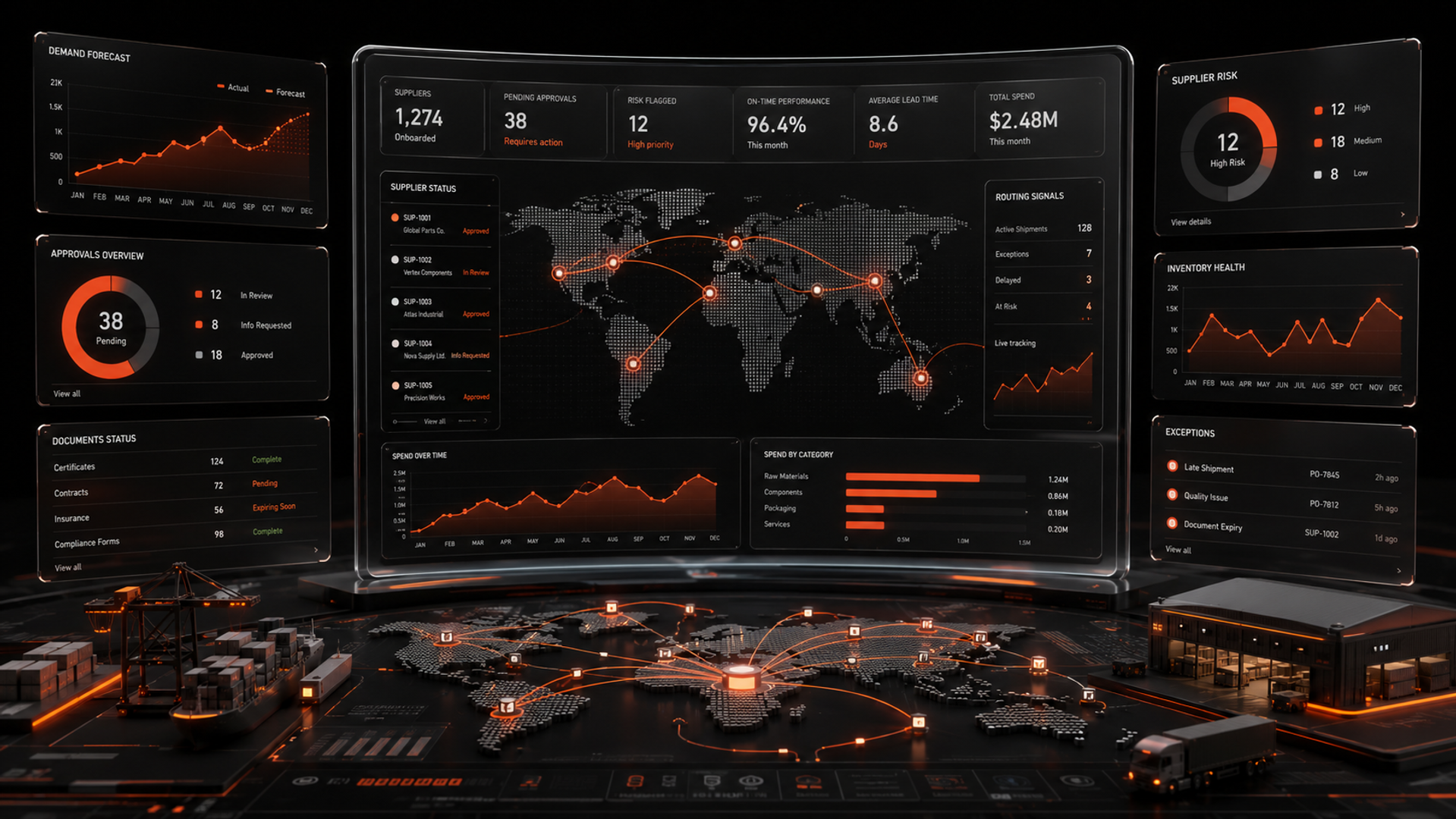
This is where AI fits best. It can read incoming supplier data, check it against rules, classify risk, route the case, and trigger the right next step. In other words, it can manage flow.
That is a better use of AI than isolated task automation. If you only automate one step, you move the bottleneck somewhere else. If you automate the workflow, you reduce friction across the chain.
The workflow to design: intake, validation, routing, exception handling
If you want to implement AI in supplier onboarding, start by mapping the workflow into four parts.
1. Intake
This is where suppliers submit information through a portal, form, email, or shared document.
AI can help by:
- extracting fields from forms and attachments
- identifying missing data
- normalizing company names, addresses, and tax IDs
- classifying supplier type, geography, and category
At this stage, the goal is not to make a decision. The goal is to turn messy intake into structured data that downstream systems can use.
2. Validation
Validation is where AI checks whether the submitted information is complete and plausible.
Examples:
- does the tax ID match the country format?
- does the bank account name match the legal entity?
- are insurance documents current?
- is the supplier using an accepted template?
- is anything missing from the required compliance pack?
This is a strong use case for rules plus AI. Hard rules handle known checks. AI handles messy documents, inconsistent naming, and classification. That combination is usually more reliable than asking a model to “decide” everything.
3. Routing
Once the intake is validated, the case needs to move to the right people.
AI can route based on:
- supplier risk level
- region
- spend category
- contract type
- security or legal triggers
- exception flags
This is where automation services matter. The workflow needs to connect to procurement systems, ticketing tools, email, document storage, and approval queues. A model alone cannot move work. It needs orchestration.
4. Exception handling
Every onboarding workflow has exceptions.
A supplier may have a missing certificate. A bank detail may fail validation. A legal term may need review. A supplier may be high risk and require manual approval.
AI should not hide exceptions. It should make them easier to manage by:
- detecting the exception early
- explaining why the item was flagged
- suggesting the next action
- assigning the right owner
- preserving the audit trail
This is the point where many teams fail. They automate the happy path and leave the messy cases to email. But the messy cases are where most delay lives.
A practical implementation sequence
Do not try to automate the entire supplier onboarding journey at once. Build it in stages.
Step 1: Map the current workflow
Document every handoff.
Ask:
- Where does intake start?
- What data is required?
- Who reviews it?
- What systems are updated?
- What causes a delay?
- Which exceptions happen most often?
You are looking for the true process, not the policy document.
Step 2: Separate rules from judgment
List the checks that can be handled deterministically.
Examples:
- required fields
- file type validation
- country-specific tax format checks
- duplicate supplier detection
- expiry date checks
Then list the cases that need judgment.
Examples:
- risk review
- document interpretation
- policy exceptions
- ambiguous supplier identity
This split matters because not every task should be solved with a model. Good ai automation services usually combine rules, workflows, and model-based extraction in one system.
Step 3: Choose one high-friction slice
Start with the part that creates the most manual work.
For many teams, that is intake and validation.
That slice usually offers the clearest return because it touches many cases, creates repeated effort, and slows the rest of the workflow.
Step 4: Design the human-in-the-loop path
AI should support operators, not surprise them.
Define:
- when the workflow should auto-approve
- when it should request missing data
- when it should escalate
- when it must stop for manual review
The handoff rules should be visible and easy to change. This is especially important for compliance-heavy environments.
Step 5: Connect the systems
Supplier onboarding usually spans multiple tools:
- supplier portal or form
- document storage
- procurement platform
- ERP
- ticketing or case management
- messaging tools
This is where an ai automation agency or internal team with AI development support can help. The implementation work is often about integration, not model selection. The model matters, but orchestration matters more.
Step 6: Measure workflow performance
Track the workflow, not just the model.
Useful metrics include:
- time from submission to approval
- percentage of submissions needing correction
- number of manual touches per supplier
- exception resolution time
- approval backlog by team
- percentage of cases routed correctly on first pass
If the workflow is better, operations should feel it. If nobody feels it, the implementation is probably too small or too isolated.
What this means in practice
In practice, AI changes supplier onboarding in three ways.
First, it reduces low-value coordination work. Teams spend less time asking for missing information and checking basic compliance fields.
Second, it creates consistency. Every supplier goes through the same intake and validation logic, which lowers variation across teams and regions.
Third, it gives operators better control. Instead of dealing with random inboxes and hidden blockers, they can see where work is stuck and why.
For founders and business owners, this matters because supplier onboarding affects speed to revenue, vendor reliability, and internal overhead.
For operators, it matters because it turns a chaotic process into a manageable one.
For developers, it matters because the best system design is not a chatbot. It is a workflow that combines extraction, rules, routing, and auditability.
If you are evaluating where to start, supplier onboarding is often a strong first workflow for ai workflow automation because it is repetitive, cross-functional, and rules-heavy without being fully deterministic.
That also makes it a good fit for our AI Automation Services, especially when the goal is to connect AI to real business systems rather than treat it as a standalone tool.
Build or buy: how to decide
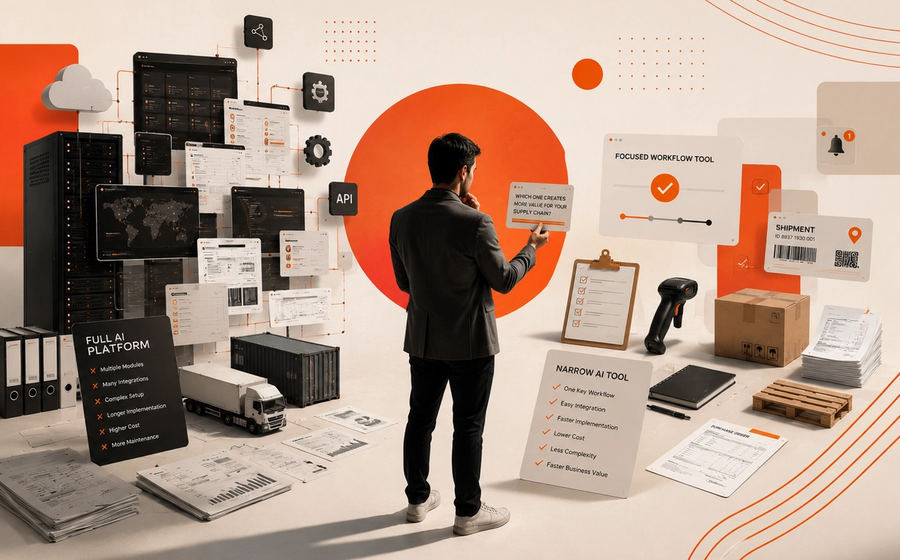
A common question is whether to buy a tool or build a custom workflow.
Buy when:
- the workflow is simple
- your requirements match standard software
- your risk profile is low
- your team can accept generic logic
Build when:
- the workflow spans multiple systems
- your approval rules are specific
- exceptions are costly
- you need control, auditability, or customization
Supplier onboarding often lands in the middle. Teams may start with a standard platform, then realize they need custom routing, document checks, or exception handling that the tool cannot handle well.
That is when ai development becomes relevant. A custom workflow can connect AI extraction, business rules, and system integrations in a way off-the-shelf tools often cannot.
If you are deciding between product and custom build, the right question is not “Can AI do this?” It is “Can this workflow be made reliable across every handoff?”
Key takeaways
- Supplier onboarding is a workflow problem, not just a document problem.
- AI works best when it coordinates intake, validation, routing, and exception handling.
- The best implementation usually combines rules, automation, and human review.
Related reading
If your supplier onboarding flow is slowing down operations, we can help you map the process and design the right automation path. Start with a conversation through Kumi Studio’s AI Automation Services or contact us here.