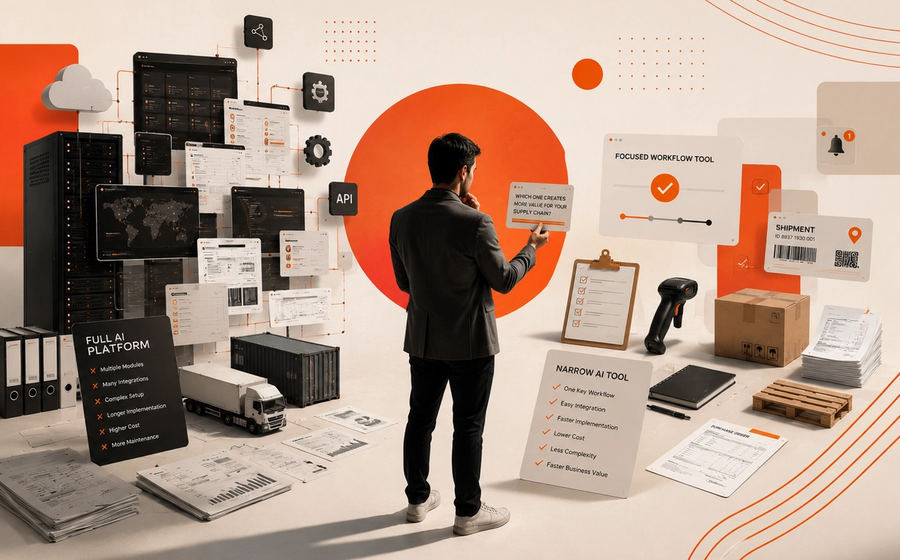
A lot of AI automation breaks in the same place: the team picks a model first, then tries to force a business process around it.
That works in a demo. It fails in production.
The simplest architecture for custom AI application development is not “the smartest model.” It is workflow first, then orchestration, then the smallest model that can safely complete the job. When teams design around the workflow boundary, they get systems that are easier to govern, easier to debug, and far more likely to survive real handoffs, permissions, and exceptions.
That shift matters now because many teams have moved past prototypes. They are no longer asking, “Can AI do this?” They are asking, “Can it do this reliably inside our operation?”
Why workflow design matters more than model choice
The current market message is clear: AI is moving from answering questions to executing work. Google’s Gemini Enterprise framing makes that explicit. The next wave is about agents, orchestration, and governance, not just model quality.
That is the right direction, but many teams still begin in the wrong place.
They start with:
- a chat interface,
- a model benchmark,
- or a promising use case.
Then they discover the real blockers are not intelligence. They are:
- access control,
- tool permissions,
- exception handling,
- approval steps,
- audit trails,
- and unclear ownership when the AI gets stuck.
This is why so many ai automation services projects plateau after the proof of concept. The demo shows capability. The workflow shows reality.
If you are building custom AI application development for production, the first design question should be simple:
What exact workflow boundary is the AI responsible for, and what happens before and after that boundary?
That question forces the right architecture.
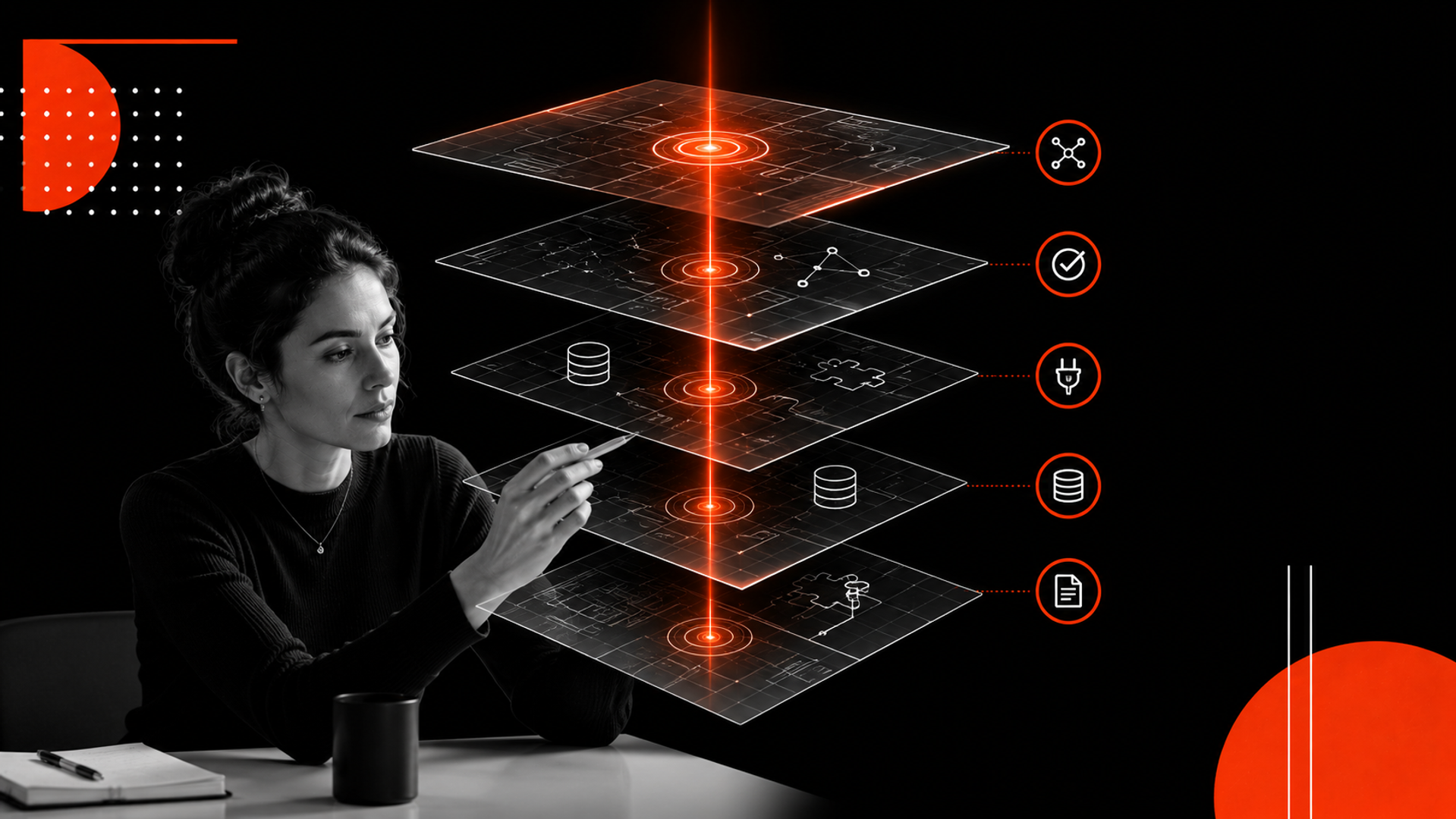
The simplest production architecture
For most business workflows, you do not need a complex agent swarm. You need a small, durable stack with clear responsibility layers.
1. Workflow boundary
Define the narrow task the system owns.
Examples:
- classify and route inbound requests,
- extract fields from documents,
- draft a reply for human approval,
- update a CRM record,
- trigger a follow-up task.
Do not ask the system to “handle customer support” or “automate operations.” That is not a workflow. That is a department.
A good boundary has:
- a clear input,
- a clear output,
- a known owner,
- and a failure mode.
2. Orchestration layer
This is the logic that moves work through steps.
It decides:
- when to call a model,
- when to query a database,
- when to use an API,
- when to wait for approval,
- and when to stop.
This layer should be boring. That is a feature.
For many teams, workflow orchestration for AI can be handled with a standard backend service, queue, or lightweight workflow engine. The point is not novelty. The point is control.
3. Model layer
Use the smallest model that meets the task.
That may mean:
- a fast model for classification,
- a stronger model for extraction or drafting,
- or a fallback model for edge cases.
Avoid using one large model for every step. It increases cost, makes behavior harder to predict, and encourages lazy system design.
4. Tool integration layer
Connect the system only to the tools it truly needs.
Typical integrations include:
- email,
- Slack or Teams,
- CRM,
- ticketing systems,
- internal databases,
- file storage,
- and identity/permission services.
Keep tool access narrow. The model should not have broad access just because it is capable.
5. Human approval layer
Not every step should be autonomous.
In real operations, the safest pattern is often:
- AI prepares,
- human reviews,
- system executes.
This is especially useful for:
- customer-facing messages,
- financial actions,
- legal or compliance-sensitive steps,
- and changes that affect records of truth.
6. Logging and evaluation
Production systems need traces.
You should be able to answer:
- what input came in,
- which step ran,
- which tool was used,
- what the model returned,
- who approved it,
- and what happened after.
Without this, debugging becomes guesswork.
A practical build framework: design the system from the workflow out
If you are choosing an architecture, use this sequence.
Step 1: Map the workflow in plain language
Write the process as it exists today.
Do not translate into AI language yet. Start with the actual business steps:
- request arrives,
- system identifies the type,
- records are checked,
- draft is produced,
- team approves,
- record is updated,
- customer is notified.
This reveals handoffs and failure points.
Step 2: Separate deterministic steps from judgment steps
Some steps should never use a model:
- validation,
- routing rules,
- permission checks,
- status updates,
- data writes.
Use AI only where judgment, extraction, or generation adds value.
This distinction keeps the system stable.
Step 3: Define the exception paths
Most operational pain lives in exceptions.
Ask:
- What if the input is incomplete?
- What if the model is uncertain?
- What if the API fails?
- What if the user has no permission?
- What if the output is partially correct?
Every production workflow needs a safe “not now” path. That path may be a human queue, a retry queue, or a fallback rule.
Step 4: Choose the thinnest orchestration layer that works
Do not overbuild.
A lot of teams reach for a complex agent framework too early. In many cases, a small orchestration service with:
- a state store,
- a queue,
- tool connectors,
- and approval gates is enough.
If the workflow is simple, keep it simple.
Step 5: Add the model last
Only after the workflow is clear should you choose:
- prompt structure,
- model family,
- retrieval needs,
- and fallback strategy.
This order matters. The model should fit the workflow, not define it.
What this means in practice
In production, the best AI systems often look less like “AI products” and more like disciplined operations software with AI inside it.
That has three practical implications.
First, reliability beats novelty. A slightly less capable model with better workflow control usually outperforms a stronger model in a messy operational environment.
Second, integration quality matters more than prompt quality. If the CRM sync is brittle or permissions are unclear, the system will fail no matter how good the prompt is.
Third, human involvement is not a weakness. In many businesses, the right design is a human-in-the-loop path for edge cases and high-risk actions. That is not a temporary compromise. It is often the architecture.
This is where many internal teams need help. They have the model. They do not yet have the operating system around it. That is also where ai development services become valuable: not to add complexity, but to design the right boundary, workflow, and controls before code hardens the wrong assumptions.
If you are evaluating your options, Kumi Studio’s AI Development Services page is the right place to start.
The architecture I recommend for most teams
For most business workflows, start with this pattern:
- Event or request enters the system
- Rules engine or router classifies the job
- AI step handles the judgment-heavy part
- Tools fetch or write data
- Approval step handles risk
- Final action runs
- Logs and metrics capture the full trace
This is the simplest architecture that still works in production.
It is not glamorous. But it is scalable because it respects operational reality.
It also gives developers a clean way to build:
- clear inputs and outputs,
- observable steps,
- reusable tool calls,
- and well-defined failure handling.
If you need help turning this pattern into a real workflow, that is exactly what Kumi Studio’s AI Automation Services are designed for.
Key takeaways
- Start with the workflow boundary, not the model.
- Use AI only where judgment or language work actually adds value.
- Keep orchestration, permissions, approvals, and logging explicit.
Related reading
Build the workflow before you build the model
If your team is moving from AI experiments to production systems, the next decision is architectural, not promotional.
Choose the workflow boundary first. Then choose the smallest model, the narrowest integrations, and the simplest orchestration layer that can safely do the job.
That is how AI moves from prototype to operations.
If you want help designing that system, Kumi Studio can help you scope the workflow, choose the stack, and build the production path. Start with our AI Development Services or contact us to discuss the workflow you want to automate.