
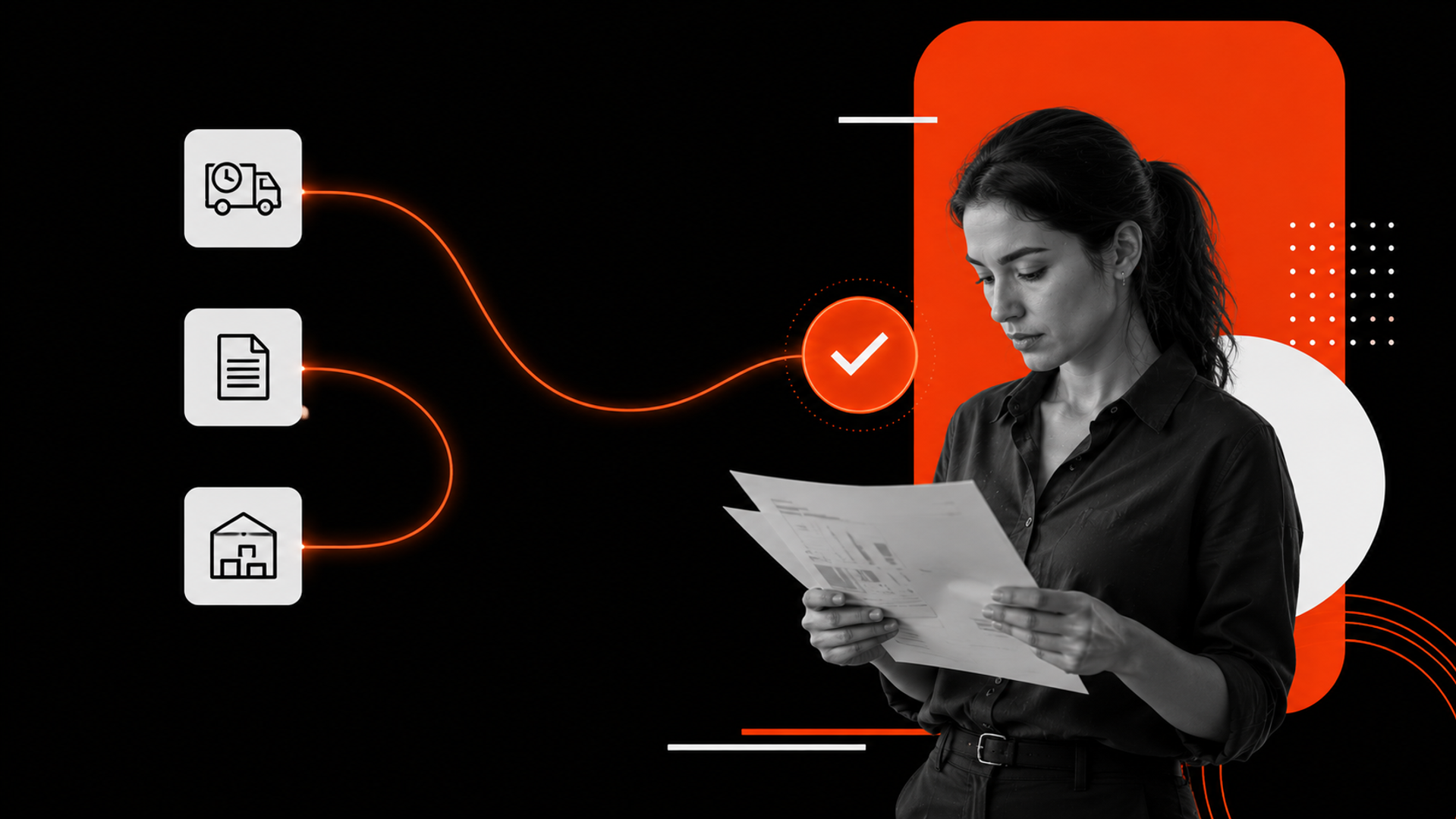
Most supply chain delays do not start with a dramatic failure; they start with one exception that sits in an inbox too long.
A missed delivery window. A damaged shipment. A PO mismatch. A late supplier confirmation.
If you are asking how to implement AI into a real supply chain workflow for exception management, the best place to start is not forecasting or planning. It is the flow that catches problems, understands them, and routes them to the right person fast.
The fastest path to ROI is to automate exception intake, triage, and routing before trying to automate higher-level planning. That is where ai workflow automation can reduce delay, cut manual chasing, and create a system your team can actually trust.
Why exception management is the right first workflow
Supply chain teams already have enough data. What they lack is structured action.
Exceptions usually arrive through fragmented channels:
- EDI alerts
- Supplier portals
- Slack or Teams messages
- Spreadsheet updates from operations staff
Someone then has to read the message, decide whether it matters, look up context, and send it to the right owner. That process is slow, inconsistent, and hard to scale.
This is why exception management is a strong starting point for business workflow automation ai. It is high volume, rules-heavy, and tied to measurable business outcomes. You can see the impact quickly in fewer missed handoffs, faster response times, and better visibility into recurring failures.
It is also the kind of workflow where AI adds real value without pretending to replace the entire operation.
The workflow to automate first: intake, triage, routing
Do not start by asking AI to “manage supply chain exceptions.”
Start by breaking the workflow into three parts:
- Intake — capture the exception from the source
- Triage — identify what happened, how urgent it is, and what it affects
- Routing — assign it to the right person or queue with context attached
That is the core pattern.
A good AI automation services implementation does not try to make judgment disappear. It reduces the time humans spend on repetitive sorting so they can focus on decisions that actually need judgment.
Step 1: Standardize the intake layer
The biggest problem in exception handling is not the exception itself. It is inconsistent input.
AI cannot route what it cannot understand. So the first implementation step is to normalize incoming exceptions into a single schema.
For example, capture:
- exception type
- shipment or order ID
- supplier or carrier
- timestamp
- location
- source channel
- free-text notes
- attached documents
- inferred urgency
This can be done with forms, inbox parsing, API integrations, or document extraction. The goal is not perfection. The goal is to make every exception look enough like data that a workflow can process it.
Step 2: Use AI to classify and summarize
Once intake is structured, use AI to do two things:
- classify the exception into a known category
- generate a short summary for the operator
This is where AI development services can be useful if your environment is more complex than a simple off-the-shelf tool can support.
A useful classifier should answer questions like:
- Is this a carrier delay, supplier miss, inventory mismatch, or compliance issue?
- Is it customer-facing?
- Is it likely to be resolved by operations, procurement, or finance?
- Does it require escalation now?
The summary should be short and actionable. Not a generic paragraph. A decision-ready note.
For example:
Shipment 48219 is delayed 18 hours due to carrier linehaul disruption. Customer order impact likely if no alternate route is confirmed by 2 PM. Recommend routing to transportation lead.
That is the kind of output that saves time.
Step 3: Route by rules first, then add AI judgment
Routing is where many teams try to do too much too early.
The right approach is simple:
- use rules for clear cases
- use AI for ambiguous cases
- keep a human review path for exceptions above a threshold
For example:
- high-value customer orders route to senior ops
- compliance-related issues route to a specialist queue
- low-risk delays route to standard operations
- uncertain cases go to human review
This hybrid model is more reliable than a fully autonomous system at the start.
It also gives you governance. If a model misclassifies an issue, you can see where the process failed.
What this means in practice
In practice, AI workflow automation in supply chain exception management should make three things better:
1. Faster response time
The first gain is speed.
When intake, triage, and routing happen automatically, fewer issues sit untouched. That matters because delay compounds. One late response can turn a manageable delay into a customer escalation.
2. Less manual chasing
Today, many teams lose time not in solving exceptions, but in finding the right owner, asking for context, and following up.
AI can gather the needed context, attach it to the case, and send it to the right queue immediately. That removes a large amount of invisible work.
3. Better pattern visibility
Once exceptions are structured, you can finally see patterns:
- Which suppliers create repeat issues?
- Which carriers trigger the most urgent cases?
- Which exception types are most often misrouted?
- Which teams are overloaded?
This is where automation becomes strategic. The workflow does not just move faster. It becomes measurable.
That makes it easier to improve the process over time, rather than just adding more people to the inbox.
Build vs buy: a practical decision rule
Many teams ask whether they should buy a tool or build the workflow.
The answer depends on the complexity of your process.
Buy when:
- your exception types are standard
- your systems are simple
- you mainly need inbox automation and basic routing
- you want quick deployment with limited customization
Build when:
- your exception logic is specific to your business
- you need deep integration with ERP, TMS, WMS, or CRM systems
- your routing rules change often
- you need auditability, custom escalation, or tighter governance
A good rule: if the workflow has a lot of operational nuance, build the orchestration layer even if you buy parts of the stack.
That is usually where an ai automation agency or an internal engineering team can create more durable value than a generic tool.
The important question is not “Can a tool do this?”
It is “Can this workflow run reliably inside our actual operations?”
A simple implementation framework
Use this four-step framework to design the workflow:
1. Define the exception types
List the top 10–15 exception types that matter most. Do not start broad. Start where volume and pain are highest.
2. Map the current process
Trace what happens from detection to resolution. Identify every handoff, delay, and duplicate entry point.
3. Automate the first decision
Use AI to classify, summarize, and recommend routing. Do not automate final resolution first.
4. Close the loop
Measure whether the model was correct, whether the case was handled faster, and whether the rule set needs adjustment.
This is the practical way to implement AI in supply chain workflow design: not as a big bang transformation, but as a controlled operating layer.
If you want help designing that layer, Kumi Studio’s AI Automation Services are built for exactly this kind of workflow.
Related reading
Key takeaways
- The best first use case for supply chain AI is exception management, not forecasting.
- Start with intake, triage, and routing before trying to automate final decisions.
- The right implementation blends rules, AI classification, and human review.
If you are working through a supply chain workflow and want to turn it into a reliable AI system, Kumi Studio can help you design and implement the automation layer with clarity and control. Contact us to discuss your workflow.